.webp)





Introduction
OC Maker: Avatar Maker is a creative character-design game that allows players to build original characters (OCs) using a wide range of customization tools. From facial features and hairstyles to outfits, accessories, and color palettes, the game gives players freedom to express personality, mood, and storytelling through visual design.
While OC Maker is easy to pick up, mastering it requires understanding how to combine design elements harmoniously, maintain visual balance, and use customization tools efficiently. This guide provides in-depth tips and practical advice to help you create standout avatars, whether you are designing for fun, storytelling, roleplay, or social sharing.
Understanding the Core Features of OC Maker
OC Maker revolves around layered customization. Every character is built from multiple visual layers, including face shape, eyes, hair, clothing, and accessories. Understanding how these layers interact helps prevent cluttered or inconsistent designs.
The game emphasizes creativity over competition. There are no “wrong” choices, but certain combinations naturally look better due to proportions, color harmony, and thematic consistency.
Before diving deep into details, spend time exploring every menu and option to understand the full creative potential available.
Choosing a Clear Concept Before Designing
Strong avatars usually start with a clear idea. Designing without a concept often leads to random choices that don’t feel cohesive.
Decide what kind of character you want before selecting features. This could be based on personality, story background, or visual theme.
Helpful starting questions:
- Is the character realistic or fantasy-based?
- What age or mood should they express?
- Are they casual, elegant, dark, or colorful?
A clear concept keeps your design focused.
Mastering Facial Customization and Expressions
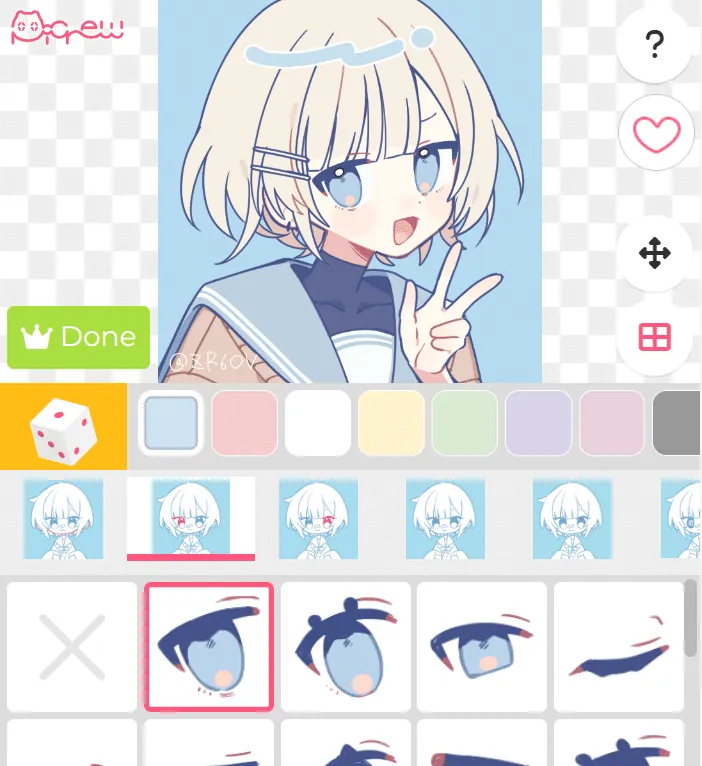
The face is the most important part of any avatar. Small changes in eye shape, eyebrow angle, and mouth style can completely change how a character feels.
OC Maker offers many facial combinations. Experiment with subtle adjustments instead of extreme contrasts to maintain natural expressions.
Facial design tips:
- Match eye size with face shape
- Use eyebrows to show emotion
- Keep mouth style consistent with personality
Balanced facial features create believable characters.
Hairstyles, Colors, and Visual Balance
Hair is often the most visually dominant element. Choosing the right hairstyle and color can define the entire avatar.
Large or complex hairstyles work best with simpler outfits, while minimal hair designs allow more detailed clothing choices. Color contrast also plays a major role.
Hair design guidelines:
- Avoid colors that clash with skin tone
- Match hair style to character age
- Balance hair size with accessories
Harmony makes avatars more appealing.
Outfit Selection and Style Consistency
Clothing tells a story about your character. Mixing styles without intention can make designs feel confusing or unfinished.
OC Maker provides outfits ranging from casual to fantasy-inspired. Stick to one general style and build around it.
Outfit selection tips:
- Keep themes consistent
- Match shoes with outfits
- Avoid overcrowding accessories
Simple, intentional outfits often look best.
Using Accessories Without Overcrowding
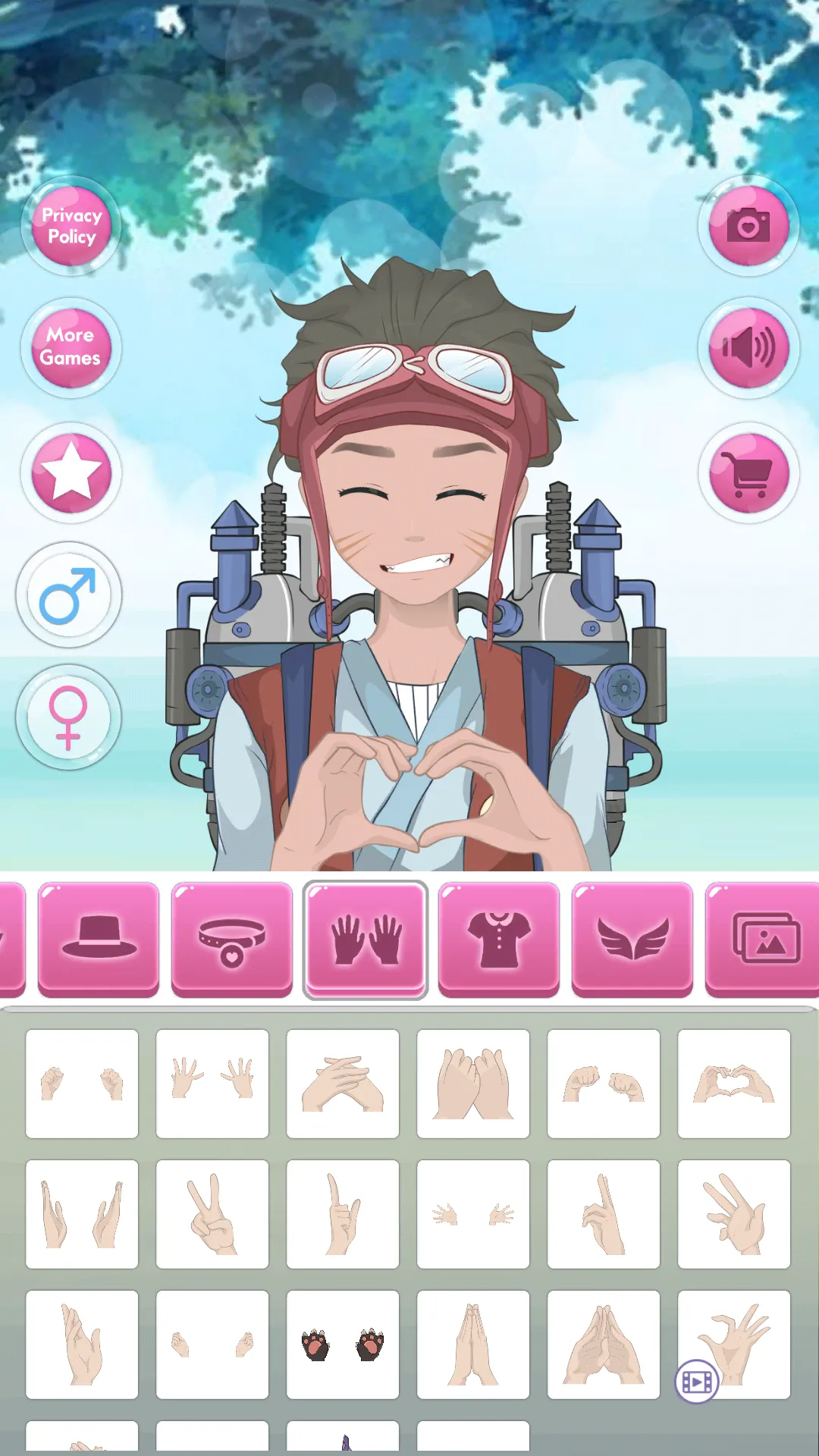
Accessories add personality but can easily overwhelm an avatar. Hats, glasses, jewelry, and props should enhance—not distract from—the design.
Limit accessories to a few key items that support the character’s identity.
Accessory best practices:
- Choose one focal accessory
- Avoid overlapping items
- Match accessory colors to outfit
Less is often more.
Color Theory Basics for Better Avatars
Color choice is one of the most overlooked skills in avatar creation. Using too many colors makes characters look chaotic.
A simple color palette creates visual harmony. Most strong designs use two main colors and one accent.
Color tips:
- Use complementary colors
- Avoid excessive neon tones
- Match eye color to outfit accents
Color discipline improves overall quality.
Creating Characters for Storytelling and Roleplay
Many players use OC Maker for storytelling, comics, or roleplay. In these cases, design choices should reflect character backgrounds.
Visual storytelling elements include scars, clothing wear, facial expressions, and accessories tied to lore.
Story-focused design ideas:
- Visual cues for personality
- Clothing that reflects history
- Consistent expressions across versions
Details bring characters to life.
Saving, Reusing, and Improving Past Designs
OC Maker allows you to save characters, making it easy to revisit and improve them later. Revisiting older designs helps you track creative growth.
Small adjustments can dramatically improve older avatars once your skills improve.
Improvement strategies:
- Recolor instead of redesigning
- Refine facial features
- Simplify overdesigned elements
Iteration builds mastery.
Sharing Creations and Gaining Inspiration
Sharing avatars with the community can be motivating and educational. Seeing others’ designs provides inspiration and new ideas.
Avoid copying directly; instead, analyze what makes certain avatars appealing and apply those principles to your own work.
Ways to grow creatively:
- Follow other creators
- Recreate styles as practice
- Experiment outside comfort zones
Learning from others sharpens creativity.
Conclusion
OC Maker: Avatar Maker is a powerful creative tool that rewards thoughtful design, balance, and imagination. While the game is accessible to beginners, mastering it involves understanding visual harmony, color theory, and storytelling through character design.
By applying these tips and guides, you can create more expressive, polished, and memorable avatars while enjoying the full creative freedom OC Maker offers.
160-character summary
Create better avatars in OC Maker with smart design concepts, balanced colors, expressive faces, clean outfits, and creative storytelling tips.